App vs Web Browser: What's Different?
Both options give you full access to your megga88 account. The app is built for speed on mobile — lighter data usage, faster load, and push notifications when your withdrawal clears.
| Feature | megga88 App (APK) | Mobile Web Browser | Desktop Web |
|---|---|---|---|
| Game Library | 5,200 games | 5,200 games | 5,200 games |
| Touch 'n Go / DuitNow Deposit | Yes | Yes | Yes |
| Push Notifications | Yes | No | No |
| Offline Game Cache | Partial | No | No |
| Biometric Login (Fingerprint) | Yes | No | No |
| Data Usage (avg. per hour) | ~55 MB | ~80 MB | ~100 MB |
| Load Speed | Faster (native assets) | Medium | Medium–Fast |
| No App Store Needed | Direct APK | Browser | Browser |
| Min. Deposit | RM50 across all platforms | ||
| Withdrawal Speed | ~43 minutes across all platforms | ||
| Language Support | English & Bahasa Melayu | ||
Note: iOS users cannot install an APK. Use the "Add to Home Screen" method in Safari — see the iOS section below.
What You Get Inside the megga88 App
The megga88 App is not a stripped-down mobile version — you get the full platform, optimised for smaller screens and slower connections.


5,200 Games On Tap
Slots from PG Soft, Red Tiger, JILI, Habanero and CQ9; Crash games like Crash Bonus from Sexy Gaming; Lottery titles and Card Games — every category available. Filter by provider or RTP right inside the app. No game is hidden behind a desktop-only wall.
Deposits in ~6 Minutes
Top up with Touch 'n Go eWallet, DuitNow QR, FPX Online Banking or Bank Transfer. The minimum deposit is RM50 and funds typically clear in about 6 minutes. The app links directly to your eWallet — no copy-pasting account numbers on a browser tab.
Fast Withdrawal: ~43 Min
Submit your withdrawal request in-app and track its status from the transaction history screen. First-time withdrawals require KYC verification (ID or Passport, reviewed within 24 hours). Once verified, most payouts reach your bank or eWallet in about 43 minutes. Daily limit is RM16,000 at Starter tier.
Bonuses & Daily Cashback
Claim your 100% Welcome Bonus (up to RM725) and 17% Reload Bonus directly through the app's Promotions tab. Daily cashback starts at 0.6% from day one. VIP members up to Diamond tier can track their progress and birthday bonus eligibility inside the app — no need to log in on desktop.
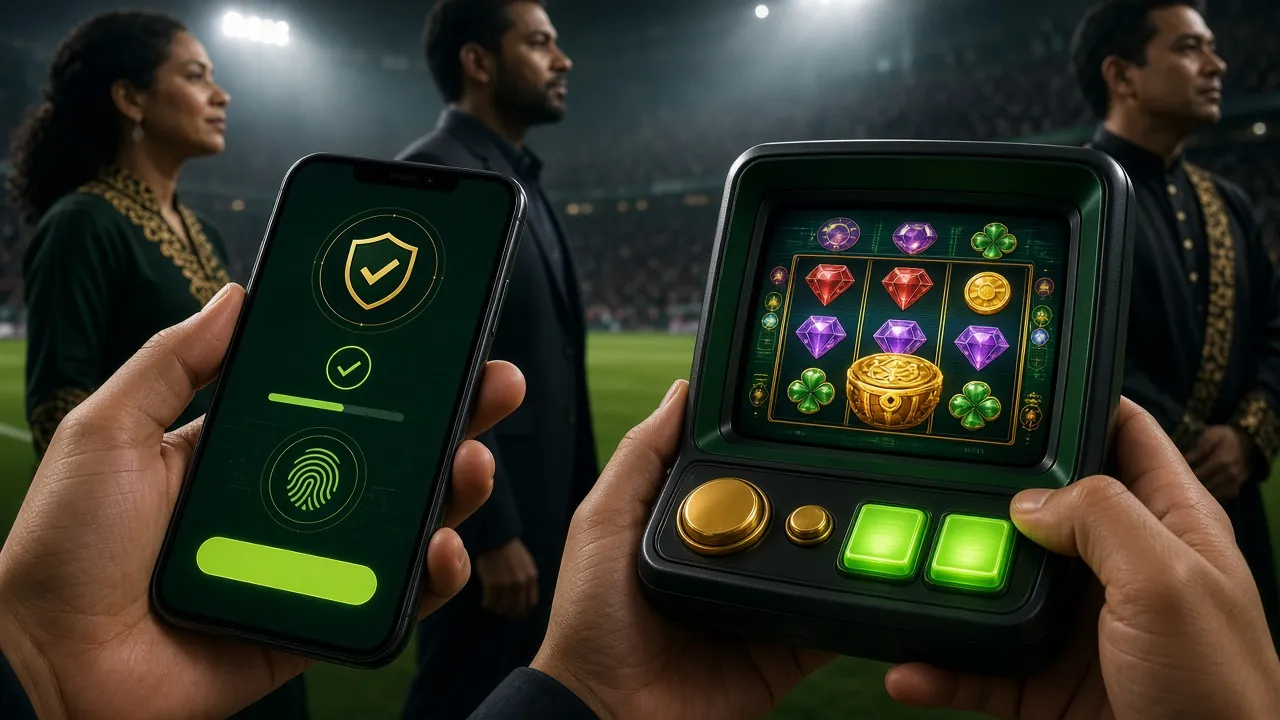
Biometric & Quick Login
Set up fingerprint or face unlock after your first login. The megga88 App remembers your session so you don't re-enter credentials each time. For account security, the session expires after 7 days of inactivity. You can also log in at megga88 Login if the app is unavailable.
Push Notifications
Allow notifications and the app will alert you when your deposit clears, your withdrawal is approved, or a new promotion goes live. You can manage notification preferences granularly — enable payout alerts and disable marketing messages if you prefer. This feature is not available on the mobile web version.
Permissions & Safety: What the App Needs
The megga88 APK requests only the permissions it actually uses. Here is what each one is for — and what it does not do.
Internet Access
Required to load games, process payments and connect to 24/7 Live Chat support. The app does not use your connection for anything in the background when you are not actively using it. Mobile data works; a stable connection (4G or Wi-Fi) is recommended for Crash games to avoid mid-round disconnects.
Camera (Optional)
Only requested during KYC verification when you need to upload a photo of your IC, Passport or Driving Licence. The camera is never accessed during gameplay. You can decline and upload a saved photo from your gallery instead. Camera permission is not required to download, install or play games.
SSL Encryption on All Traffic
All data between the app and megga88 servers is encrypted using TLS 1.3. This includes your login credentials, deposit requests and personal details submitted during KYC. The APK is served from the official megga88.im domain — always download from megga88.apk to avoid tampered files from third-party sites.
No Contacts, No Location
The megga88 App does not request access to your contacts, SMS messages, call log or device location. It does not read your photos outside of KYC upload. Your personal data is handled according to the Privacy Policy — it is not shared with third-party marketing platforms. Only the minimum data needed to run your account is stored.
How to Install the APK on Android
Android blocks APK files from unknown sources by default — a one-time setting change is all you need. The process takes about 3 minutes from start to first spin.
-
1
Allow Installation from Unknown Sources
Go to your phone's Settings → Security (or Privacy on newer Android). Find "Install Unknown Apps" or "Install from Unknown Sources" and enable it for your browser or file manager. This is a one-time step per device — you do not need to repeat it when updating the megga88 App later. Android 10 and above lets you grant this permission per-app rather than globally.
-
2
Download the APK File
Tap the Download APK button on this page. Your browser will save
megga88.apk(41 MB) to your Downloads folder. If your mobile data is slow, switch to Wi-Fi before downloading — an interrupted download can produce a corrupt APK that fails to install. The file is free; you will never be charged to download it. -
3
Open and Tap "Install"
Pull down your notification bar and tap the completed download, or open your Files app and navigate to the Downloads folder. Tap
megga88.apk. Android will show an installation screen listing the permissions the app requests — review them, then tap Install. Installation typically takes under 30 seconds on Android 8.0 and above. -
4
Launch the App and Log In
Tap Open after installation completes, or find the megga88 icon on your home screen. If you already have an account, go to megga88 Login and enter your username and password. First time here? Tap Register inside the app or visit megga88 Register — the sign-up form takes under 2 minutes.
-
5
Deposit and Claim Your Welcome Bonus
Tap the Deposit tab, choose Touch 'n Go eWallet, DuitNow, FPX or Bank Transfer, and enter an amount of at least RM50. Funds typically clear in about 6 minutes. Your 100% Welcome Bonus (up to RM725, 10× wagering requirement) is automatically applied to your first deposit — check the Promotions tab to confirm it has been credited.
iOS Users: Add megga88 to Your Home Screen
Apple does not allow sideloading APK files. The recommended method for iPhone and iPad users is Safari's "Add to Home Screen" — it creates a web app shortcut that behaves very close to a native app.
- Open Safari on your iPhone or iPad and go to megga88.im.
- Tap the Share button (the box with an arrow pointing up) at the bottom of the Safari toolbar.
- Scroll down the share sheet and tap "Add to Home Screen".
- Edit the name to megga88 if you like, then tap Add in the top-right corner.
- The megga88 icon appears on your home screen. Tap it to launch the site in full-screen mode — no browser address bar, no tabs.
This method works on iOS 13 and above. Chrome and Firefox on iOS cannot use "Add to Home Screen" in the same way — use Safari for the best experience.
System Requirements & Version Info
Download the latest megga88 APK directly below. Always use the official link to ensure you get the unmodified, virus-scanned file.
| Detail | Value |
|---|---|
| App Version | 2.3.17 |
| File Name | megga88.apk |
| File Size | 41 MB |
| Minimum Android | Android 8.0 (Oreo) and above |
| iOS Support | Web App via Safari (iOS 13+) |
| Last Updated | 11 November 2026 |
| Price | Free |
| Language | English / Bahasa Melayu |
| Developer | megga88 |
| Download Source | megga88.im (direct APK — no Play Store) |
Scan the QR code below with any Android phone camera to start the download immediately — no typing the URL.
File scanned and verified safe. Only download from megga88.im.
When the APK Won't Install: Five Fixes
Most installation failures have a simple cause. Work through the table below before contacting 24/7 Live Chat support.
| Problem | Likely Cause | Fix |
|---|---|---|
| "Parse Error" on install | The APK file downloaded incompletely or was corrupted during transfer — common on slow or interrupted connections. | Delete the existing file from your Downloads folder, reconnect to Wi-Fi, and re-download megga88.apk. Do not try to resume the previous download. |
| "App not installed" error | An older version of the megga88 App with a different signing certificate is already on the device, or storage space is below 100 MB. | Uninstall the existing version first (Settings → Apps → megga88 → Uninstall), free up storage if needed, then install the new APK. Your account data is stored server-side, so uninstalling does not delete your balance. |
| Install blocked, no "Unknown Sources" option | Device is managed by a corporate MDM profile, or you are using a Huawei device running HarmonyOS without Google services. | On Huawei/Honor: go to Settings → Security → More Settings → Install Unknown Apps and enable the option per-app. On MDM-managed devices, use the mobile browser version of megga88 instead — all features work via Safari or Chrome. |
| App installs but crashes immediately | Android version is below 8.0 (Oreo), or the device has less than 1 GB of available RAM. | Check your Android version under Settings → About Phone. If below Android 8.0, use the mobile web version. If your Android meets the requirement but crashes persist, clear the app cache (Settings → Apps → megga88 → Storage → Clear Cache) and relaunch. |
| Games load slowly or freeze | Weak mobile data signal (below 4G) or simultaneous background app downloads consuming bandwidth. | Switch to Wi-Fi or move to a stronger signal area. Close background apps that may be updating. For Crash games specifically, a stable connection is critical — a 4G or Wi-Fi signal with less than 100ms ping is recommended to avoid disconnect during active rounds. |
Still stuck? Contact megga88's 24/7 Live Chat support — available inside the app under Help or at the bottom of this page.
Common Questions About the megga88 App
Is the megga88 APK safe to download?
Yes — provided you download it from the official source at megga88.im. The APK is scanned before each release and served over HTTPS. Never download megga88.apk from third-party app stores, Telegram channels or unofficial mirror sites, as those files may be repackaged with malware. The file size should always be 41 MB; if it differs significantly, discard the file and re-download from this page.
Does the megga88 App work on iOS (iPhone/iPad)?
Apple does not allow APK installations on iOS. The recommended method is Safari's "Add to Home Screen" feature — it creates a full-screen web app that works very similarly to a native app. You still get access to all 5,200 games, Touch 'n Go and DuitNow deposits, and your full account. The main limitation is no push notifications on iOS — you will need to check the app manually for withdrawal updates.
How do I update to the latest version of the megga88 App?
When a new version is available, the app itself will show an update banner on the home screen. Tap it to be taken to the download page, or return to this page and download the latest APK manually. Install it over the existing version without uninstalling — Android allows this as long as the signing certificate matches. Current version is 2.3.17, last updated 11 November 2026. Your account balance and history are always stored server-side.
What is the minimum Android version needed?
The megga88 App requires Android 8.0 (Oreo) or above. Most Android phones released after 2017 meet this requirement. To check: open Settings → About Phone → Android Version. If your device runs Android 7 or below, use the mobile web version via Chrome or the default browser — the experience is comparable, though you will not get push notifications or biometric login.
Can I use the same account on both the app and the browser?
Yes. Your megga88 account is shared across all platforms — app, mobile browser and desktop browser. Balance, bonuses, VIP progress and transaction history are synchronised in real time. You can log in on the app and your partner can log in on the web simultaneously using a different device, but sharing a single account between multiple people is against the Terms and Conditions and may result in account suspension.
Why was my installation blocked by Play Protect?
Google Play Protect scans APK files from outside the Play Store and may flag them as "unknown" rather than genuinely malicious. When the warning appears, tap More Details then Install Anyway. This warning is standard for any APK not distributed through Play Store — it does not mean the file is dangerous. If you are concerned, you can also scan the downloaded APK with a third-party antivirus app before installing.
Do I need to create a new account to use the app?
No. If you already have a megga88 account, log in with your existing username and password. If you are new, you can register directly inside the app by tapping Register, or visit megga88 Register first. Registration takes under 2 minutes. Once your account is created you can explore the megga88 Casino game lobby and claim the 100% Welcome Bonus up to RM725 on your first deposit of at least RM50.
Ready to Play? Get the megga88 App
Download the megga88 App now — 41 MB, free, no sign-up required just to install. Create your account, make your first RM50 deposit, and your Welcome Bonus is credited automatically.
- 5,200 games — Slots, Crash, Card Games, Lottery
- Touch 'n Go eWallet, DuitNow, FPX — deposit from RM50
- Withdrawals processed in ~43 minutes
- 24/7 Live Chat support, in-app notifications
Already registered? Log in here and go straight to the games.
Explore More on megga88
18+ · Play Responsibly
The megga88 App is for entertainment. Gambling involves financial risk — only play with money you can afford to lose. If you feel you are spending more than intended, use the deposit limits available in the app's Account Settings. For support, visit Responsible Gaming.